
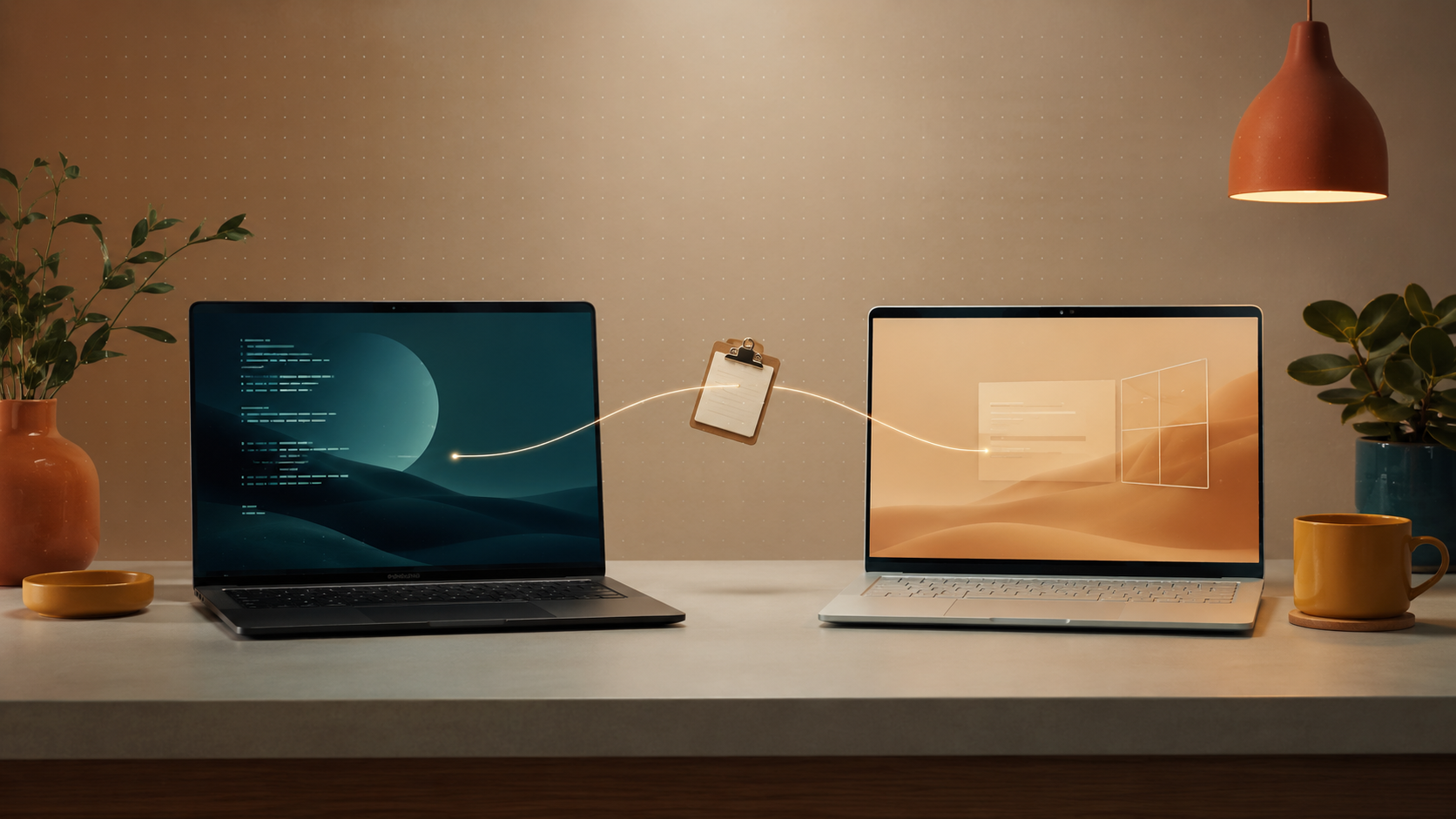
Since December I had been patiently putting up with one of those everyday frustrations that, before you notice, turn into a project. I work with two machines at once: my Ubuntu laptop running Wayland, and a Windows PC that I drive from the Linux box using Deskflow — the free continuation of the old Synergy. For keyboard and mouse it works great: one input drives both screens. But the clipboard does not sync. And it turns out Deskflow, which does sync clipboards on X11, isn’t compatible with Wayland yet.
I tried the obvious alternatives: KDE Connect and a few other contraptions of that kind. But they were as likely to work as to stop working. One day the sync was fine, the next it wasn’t, the day after you had to restart something or re-pair the devices. For a tool that needs to be invisible and always ready, that kind of inconsistency is worse than not having it.
The awkward shuffle was always the same: copy something on Linux, open Google Chat, send it to myself, switch to Windows, paste it from Google Chat there. Or the other way around. A pain every time. For anyone who uses two systems side by side, clipboard sync is one of those things you don’t notice you depend on until it isn’t there.
In some forum I found a promising alternative: ClipCascade. Linux client, Windows client, a central hub to forward messages between them. Exactly what I wanted. I opened it ready to install… and saw it was a Java application on Spring Boot. The server recommended half a gigabyte of minimum heap. To sync some text between two machines on my own network.
My reaction was immediate: no, thanks. I’m not going to have a process chewing half a gigabyte of RAM permanently just so a Ctrl+C on one machine reaches the other. I closed the browser and opened Claude Code.
“Let’s convert this to Rust”
My initial prompt was, almost verbatim: “Let’s port this application to Rust, keeping the idea but making it lighter. I want a single binary that can act as both client and server.” I gave it the ClipCascade repository and let it go.
I had never written a serious line of Rust. I had read a chapter or two of the book, glanced at it on the odd curious afternoon, but nothing in production. I picked it because it met two non-negotiable requirements for this use case: a single binary, no runtime to load, and a memory-safe language. If I’m going to have a process listening on a port in my network, I’d rather any slip-up end in a panic than in a buffer overflow.
I also made one thing explicit from the start: Wayland took priority over X11. Half the problems with tray apps on Linux come from assuming we’re all still on X11. I didn’t want to drag that debt into my own code.
The rhythm: prompts in the background
Working with Claude Code on this had a specific rhythm worth describing, because it’s not how I had imagined it would work. It wasn’t a multi-hour session glued to the screen. It was more like having a quiet intern you hand a task to and come back to later to see what they’ve done.
I’d give a high-level instruction, let it get going, and meanwhile I’d carry on with client work, or go have lunch, or deal with an email. Every so often I’d come back to the console, read the diff of what it had done, tell it where to head next, and let it go again. Short review sessions separated by long stretches where it built and I did something else.
In a couple of days — because that’s how long it took — there was something working on my network. Two clients, a hub, WebSocket messages, basic authentication. Enough to start using it.
The slump: bugs that came and went
And then came the part nobody was counting on. I’d find a bug, describe it to Claude, it would fix it. I’d keep testing. Another one appeared, I’d describe it, it would fix it… and a bit later the first one came back. Or a similar one. Or a brand-new one in the area it had just touched.
This kind of thing, frustrating with a human, is downright maddening with an AI. Because there’s no persistent memory of “we’ve been here before”. No “yes, I know, I fixed that last week”. There’s a system that, at each turn, does the best it can with the code in front of it, without remembering it touched the same area before.
I’d been like this for a couple of days when I realised the problem wasn’t Claude’s. The problem was that I had no way of knowing whether a fix broke something that was already fine. Neither did he, neither did I. The application is a tray app, with a graphical UI and asynchronous behaviour — exactly the kind of thing that’s hard to test by hand, and where a bug can take several uses to resurface.
The investment that changed everything: tests, UI included
So I stopped asking for features for a whole day and started asking for something else entirely: a test battery covering everything, the graphical UI included.
Here I had to push pretty hard. Claude would start with things like “UI tests are hard to do well”, “they require graphical environments”, “this part is hard to isolate”. All true, but none of them a good enough reason. I told it to figure it out: if a headless Wayland compositor was needed for the tests, then spin one up. If it had to talk to DBus to verify the tray menu responded, then talk to DBus. If on Windows it had to use the UI Automation API, then use it.
And bit by bit it came together. We ended up with:
- Tier-1 smoke tests that run on every push.
- Linux tray menu tests driven over DBus, asserting that each entry responds as it should.
- Windows tray icon discovery tests using the UI Automation API.
- UI tests for the Settings dialog with egui_kittest.
- An integration test that checks the singleton lock catches duplicate launches.
CI runs all of it on Linux and Windows on every push. And from that moment on, everything changed. The AI became much more reliable. Because when it broke something, we saw it immediately. And when it fixed something, we knew it was actually fixed, not just looking that way.
That is probably the most reusable lesson from this whole project: tests aren’t a burden you add because “you should”. They’re the guardrails an agent needs not to drive off the road. With solid tests, an AI can iterate aggressively without breaking things. Without them, it just goes around in circles.
The decisions I owned
Although most of the code was written by Claude, there were several underlying decisions I made myself, deliberately, that change the nature of the project. I’m spelling them out because I think this is the interesting bit for anyone else experimenting with this kind of workflow.
I simplified the authentication system
ClipCascade came with a fairly elaborate auth scheme, designed for a broader scenario than mine. When I saw what was being ported over, I stopped the translation and told Claude to tear most of it out. For my use case — my LAN, my VPN, my machines — I don’t need PBKDF2 or key derivation rounds or anything like that. HTTP Basic over TLS is plenty. Anything beyond that is over-engineering.
I committed to an honest threat model
The hub sees the clipboard in plaintext once TLS has terminated. There is no end-to-end encryption between clients. This is a deliberate decision, not an oversight: I run the hub on a machine I control, inside a network I control. If I trust my own machine (which has my SSH keys, my cookies, my history), adding E2EE would be security theatre. I wrote that down explicitly in the docs.
For use over the public internet or across untrusted infrastructure, the tool isn’t the right fit — and I make that clear. The day I want to go there, I’ll build E2EE with TOFU device pairing. But that’s a different tool.
Three modes in a single binary
The same executable can behave as a client (connect), as a hub (serve), or as both at the same time in the same process (host, which is the mode on my workstation: it participates AND serves as the hub for the other machines). This feels like the natural way to package this kind of thing: a single .deb, a single .msi, and depending on how you launch it, it takes on the role.
A tray app, not a daemon
I wanted the app to install and stay visible in the system tray, with an icon and live status (Connecting / Connected / Disconnected — retrying in N s). That’s not just cosmetics: when something fails in a clipboard tool, you notice it after it has failed. Having a permanent visible indicator changes that experience: you see the state before you paste.
Wayland, by the way, gave me no trouble
A short note for anyone coming to this from a pain similar to mine: Wayland just worked. Once I’d made it clear to Claude that this was the priority environment, the implementation with GTK + libayatana-appindicator landed on the first attempt. No weird hacks, no X11 fallback in disguise. The tray icon appears, the menu responds, clipboard events arrive via arboard. That’s it.
Maybe this should no longer surprise anyone in 2026, but considering this whole story started because Deskflow doesn’t support Wayland, I think it’s worth saying out loud.
What I’m taking away
Three things I didn’t expect before I started:
- The bottleneck was the quality of the feedback the AI received, not its capacity to write code. While bugs were being diagnosed by manual inspection, we were moving at zero speed. As soon as there were tests giving a binary signal — “works / doesn’t work” — speed multiplied.
- My real work was direction, not programming. The decisions that mattered most — simplifying auth, treating Wayland as the priority, defining the threat model, pushing for UI tests despite the protests — are product and architecture decisions, not code. That’s where I’m still adding value.
- The “I don’t know Rust” stopped being an obstacle within hours. Not because I learnt Rust — I still don’t know Rust in the traditional sense — but because I can direct a Rust project by reading the diff, understanding the overall structure, and letting someone else handle the idiomatic detail.
That last one leaves me with mixed feelings, and I’m not going to hide them. On the one hand it’s liberating: the tools I need are no longer limited by the languages I master. On the other hand there’s something being lost there, and I don’t quite have a name for it yet.
The result
The project is called clipboardwire and lives at github.com/davefx/clipboardwire. There are .deb, .rpm and .msi packages on every release. macOS is coming. The project page on this site is here.
I use it every day between my Linux box and my Windows box. The server takes a few megabytes of RAM, not half a gigabyte. And Ctrl+C on one machine reaches the other without having to go through Google Chat.
If you find yourself in a similar spot — or if you’re simply tempted to try building something in a language you don’t know — maybe this is useful to you.
Leave a Reply