

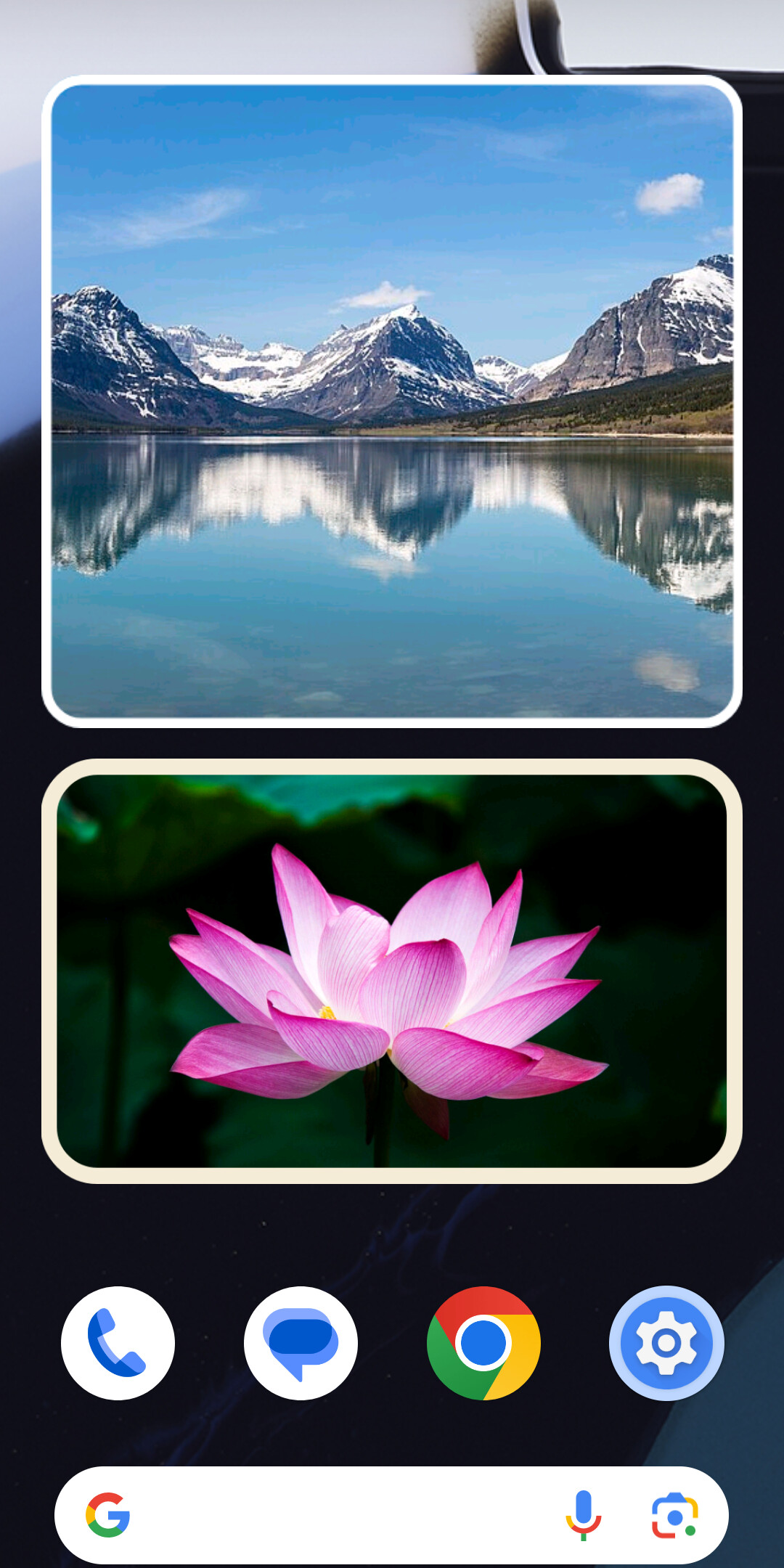
A photo widget for the Android home screen that barely touches the battery: if nobody is looking at the home screen, it does nothing.
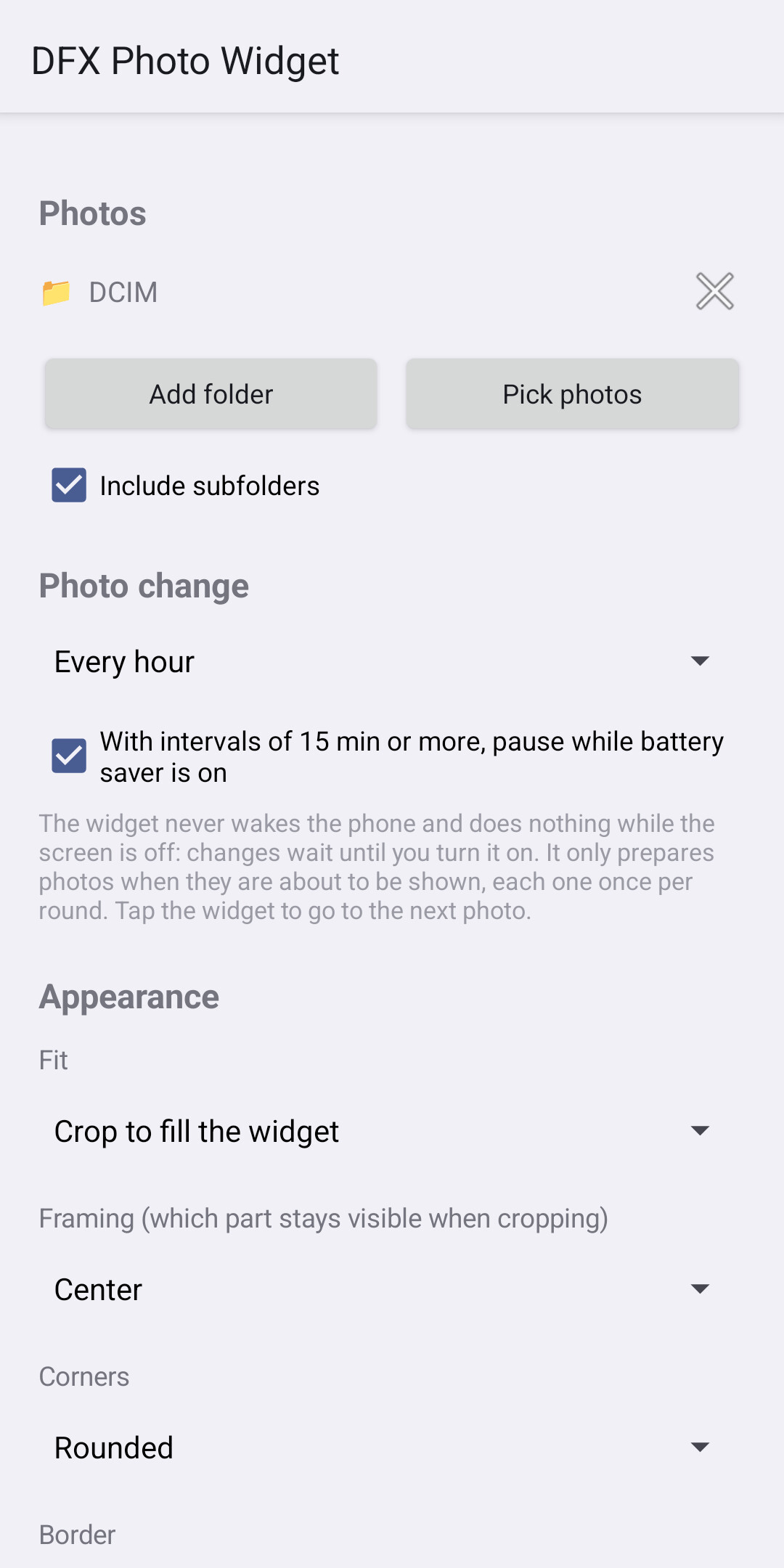
DFX Photo Widget shows a single photo, a hand-picked set or all the photos in one or more folders (with or without subfolders) on your home screen, and changes them every 30 seconds, every few minutes, every few hours, once a day or only when you tap it. It runs on Android 10 or later, weighs about 250 KB and is free in both senses: no ads, no in-app purchases, and the source code is published under the GPL-3.0.
How much battery and memory it uses, in figures
With the screen off or another app in front, DFX Photo Widget prepares no photos and never wakes the phone. When the home screen is in view, it decodes each photo straight to the widget size, using at most about 2 MB of memory per photo even from a 50 MP original. The whole app is about 250 KB.
| What usually drains battery or memory in a photo widget | What DFX Photo Widget does |
|---|---|
| Waking the phone to change the photo | Never uses wakeup alarms (RTC_WAKEUP), and updatePeriodMillis="0" |
| Preparing photos nobody sees | Only decodes when the launcher asks for the photo to draw it |
| Background services, WorkManager, wakelocks | None; the only service is the one the launcher uses to ask for photos |
| Decoding 12 to 50 MP photos at full size | Downsamples to the widget size while decoding: about 2 MB per photo in memory at most |
| Scanning folders often | Shuffled index on disk, rebuilt at most once a day and always with the home screen in view |
| Drawing corners and border on every frame | Painted only once into the image |
| Cloud sync | No network permission: local photos only |
| A single photo on a timer | With a single photo, no alarm is scheduled |
| Carrying on with battery saver on | Pauses scheduled changes by default (intervals of 15 min or more) |
If nobody is looking, no work is done
The widget is an AdapterViewFlipper drawn by the launcher itself. The app never “pushes” photos to it: the launcher asks for them at the moment it draws them, and it only draws while the home screen is in view. All the expensive work (scanning folders, decoding images) happens there and nowhere else.
- Intervals of 5 minutes or less: the launcher flips the photos on its own and stops with the screen off, on the lock screen or with another app in front. The app runs no timers, alarms or services.
- Intervals of 15 minutes or more: an inexact alarm that never wakes the phone (
RTC, neverRTC_WAKEUP) and only records which photo is next, without reading from disk or decoding. While the phone is asleep, the alarm isn’t even delivered. - No WorkManager, no wakelocks, no foreground services, and
updatePeriodMillis="0". - Photos are decoded straight to the widget size (about 2 MB per photo in memory at most, even from a 50 MP original), and corners and border are painted only once.
Ready for Android 15 and later
Since Android 15, the system no longer lets the launcher ask for photos one at a time: on every full update it asks for all of them and sends them together, and if they exceed the system limit (about 20 MB on a 1220×2712 phone) the widget goes blank. To avoid that, DFX Photo Widget exposes a “window” of at most 12 photos that always fits within the limit, and only loads the next one once the launcher has shown the current one (or when you tap the last photo in the window). Each photo is still decoded just once per round.
Privacy: your photos never leave the phone
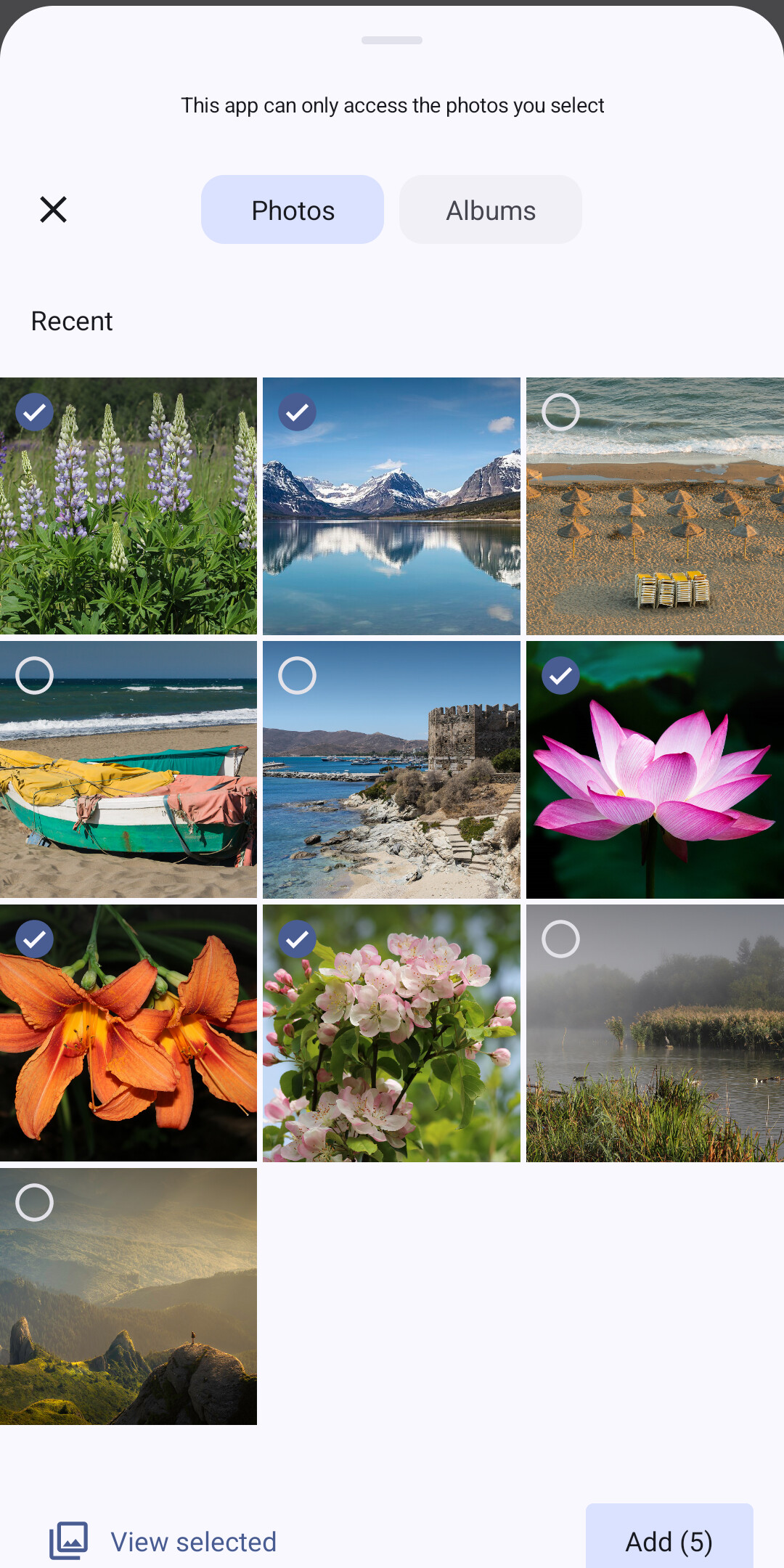
The app has no network permission, no ads and no analytics. Its only permission is RECEIVE_BOOT_COMPLETED, to reschedule the alarm after a reboot. Photos are accessed through Android’s own pickers (Storage Access Framework and the photo picker), which only grant access to what you choose, and deleting a widget releases any permissions no other widget uses.
Actually tested
Besides the instrumented tests (index, decoding, real system alarms and photo-change logic), the project ships an end-to-end test against the release build: it adds the widget, configures it through the system pickers and measures how many photos it prepares in each situation. It checks that zero photos are prepared with another app in front or with the screen off, that everything survives a reboot, and that batterystats records no wakelocks or wakeup alarms.
Frequently asked questions
How much battery does DFX Photo Widget use?
With the screen off, on the lock screen or with another app in front, none: it prepares no photos, runs no background services or wakelocks and never wakes the phone. It only works when the launcher draws the home screen and asks it for the photo.
The project ships an end-to-end test that checks that zero photos are prepared with the screen off or another app in front, and that batterystats records no wakelocks or wakeup alarms.
Why do other photo widgets drain so much battery?
The usual culprits are waking the phone with alarms to change the photo, keeping services, WorkManager or wakelocks in the background, preparing photos even when nobody is looking at the screen, decoding 12 to 50 MP photos at full size and scanning folders often. DFX Photo Widget avoids all of them.
How much memory does it use?
Each photo is decoded with ImageDecoder straight to the widget size, using at most about 2 MB of memory per photo even from a 50 MP original. Photos are not copied: they are read from where they are.
On Android 15 and later, the widget exposes at most 12 photos at a time and uses at most 80% of the limit the system allows for a widget.
How big is the app?
About 250 KB to download. It uses no third-party libraries beyond the basic AndroidX ones.
Does it work on Android 15 and Android 16?
Yes. Since Android 15, the system asks for all of a widget's photos at once and leaves it blank if they exceed its memory limit. DFX Photo Widget handles this by loading photos in batches of at most 12 that always fit within that limit. It has been tested on a Xiaomi running Android 16.
What permissions does it need? Does it send my photos anywhere?
Its only permission is RECEIVE_BOOT_COMPLETED, to reschedule the photo change after a reboot. It has no network permission, no ads and no analytics, so your photos never leave the phone. It reaches your photos through Android's own pickers, which only grant access to the folders or photos you choose.
What happens with battery saver on?
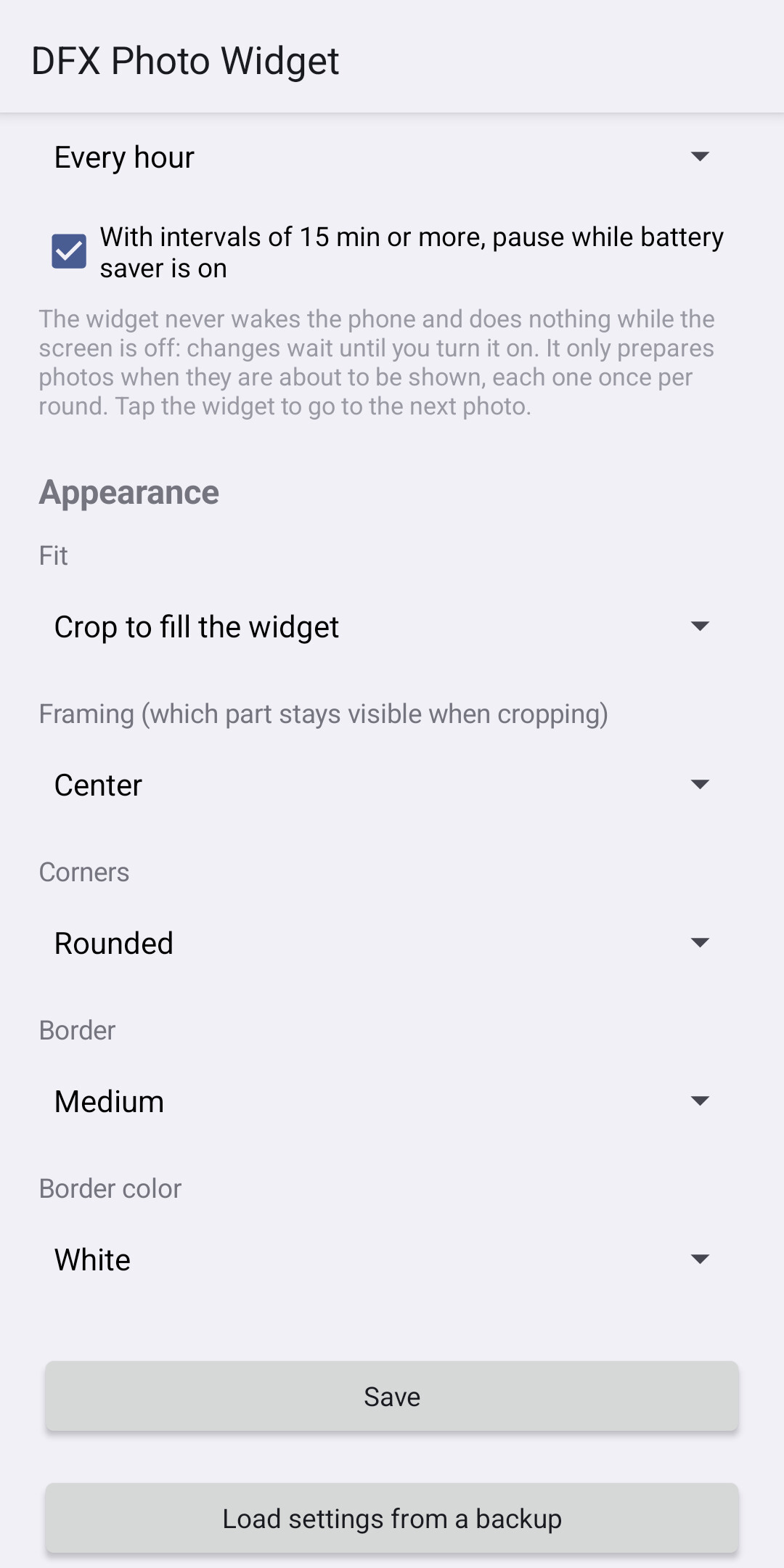
By default, with intervals of 15 minutes or more, automatic photo changes are paused while battery saver is on. This can be turned off in the widget settings.
Is it free?
Yes. It is free, with no ads or in-app purchases, and it is free software under the GPL-3.0. It is on Google Play and available as an APK in the GitHub releases; an F-Droid release is in preparation.
Why I ended up writing this widget is on the blog: My photo widget ate 20% of my battery, so I wrote my own.