
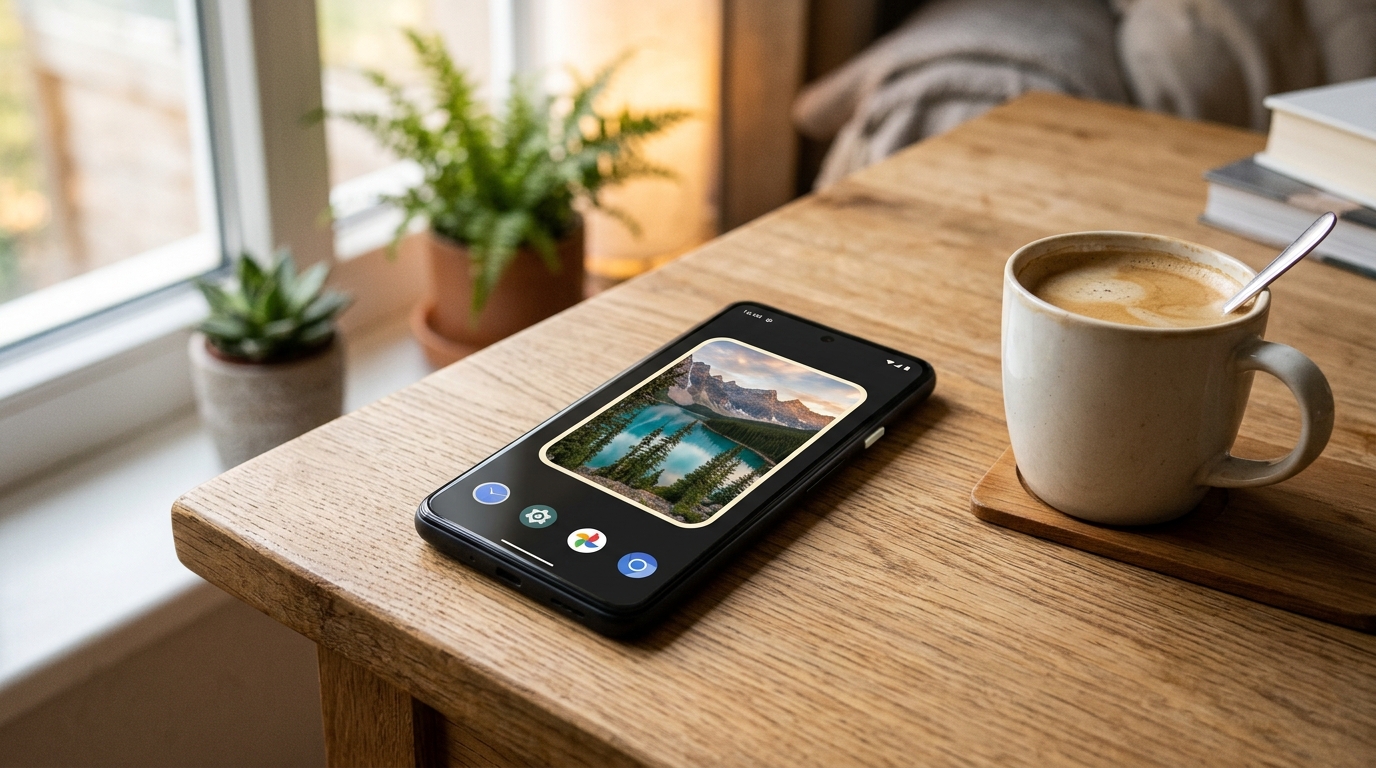
I use a widget to show photos on my Android home screen. Nothing fancy: a few photos that change on their own on the home screen.
Thing is, sometimes that widget ate 20% of the battery. A fifth of the battery… to show photos on a screen that, most of the time, is switched off inside my pocket.
So I wrote my own. With one rule above all others: if nobody is looking at the home screen, the widget does NOTHING.
It’s called DFX Photo Widget, it’s already on Google Play, it’s free, it has no ads and the code is free software (GPL-3.0).
Let whoever is looking ask for the work
A “normal” photo widget tends to work the wrong way round: the app decides when it’s time for a new photo, wakes the phone up if needed, loads the image, prepares it… and sends it to the home screen, which may well be switched off inside your pocket.
Mine doesn’t push anything. The widget is an AdapterViewFlipper, a view drawn by the launcher itself, and it’s the launcher that asks for the photo at the moment it draws it. And the launcher only draws while the home screen is in view. All the expensive stuff (scanning folders, decoding the image) happens there and nowhere else. If nobody is looking, nobody is asking, and no work gets done.
From there, two cases:
- Intervals of 5 minutes or less (it goes down to 30 seconds): the launcher flips the photos itself with
autoStart, and theAdapterViewFlipperstops on its own with the screen off, on the lock screen or with another app in front. The app has no timers, no alarms and no services. - Intervals of 15 minutes or more: an inexact
RTCalarm (neverRTC_WAKEUP) that only records which photo comes next, without reading from disk or decoding anything. If the phone is asleep, the alarm isn’t even delivered: it waits until something else wakes the phone up.
No WorkManager, no wakelocks, no foreground services, and updatePeriodMillis="0". Photos are decoded with ImageDecoder straight to the widget size (from a 50 MP photo down to about 2 MB in memory at most; the widget is the size it is), and the rounded corners and border are painted once into the bitmap, not on every frame.
And then came Android 15
All of this is lovely until you read Android 15’s small print. Since that version, the system no longer lets the launcher ask for photos one at a time: on every full update it calls getViewAt() for every position, in the app’s process, and sends all the bitmaps together. If they add up to more than the limit (roughly one and a half screens in ARGB, about 20 MB on a 1220×2712 phone), the update is rejected and the widget goes blank.
In other words: the exact opposite of “only work when someone is looking”.
The fix was a “window”: on those versions the widget only exposes a group of at most 12 photos that comfortably fit (80% of the limit at most). The launcher flips through the window on its own and, once it has had time to show all of them, a non-wakeup alarm loads the next window. If you tap the last photo in the window, the next one loads right away. Each photo is still decoded just once per round, and between windows the CPU can sleep in peace.
The blank gap on the Xiaomi
On the emulator everything worked beautifully. On my phone (a Xiaomi running Android 16) too… for a couple of days. Then the seven-photo widget vanished and left an empty gap on the home screen. No error, no warning, nothing.
Since there’s no way to debug something like that blindfolded, I added a diagnostic report to the app, which can be shared from the app itself. Two reports later (from 8 and 9 November) two things showed up. First, Xiaomi kills the app’s process all the time (OneKeyClean, LockScreenClean, low memory…). Second, and more important, the widget went blank right after the daily rebuild of the photo index.
The culprit was notifyAppWidgetViewDataChanged: by signalling that the data had changed and rebuilding the list on top of the old one, on Android 15 and later the widget ended up blank. The fix: do a full widget update in those cases. And the acid test, passed: it survived the daily rebuild.
250 KB and no network permission
While I was at it, if it shouldn’t waste battery, it shouldn’t waste space either: the app weighs about 250 KB, with no third-party libraries beyond the basic AndroidX ones. It has no network permission (your photos go nowhere), no ads and no analytics. Its only permission is RECEIVE_BOOT_COMPLETED, to reschedule the alarm after a reboot, and it only reaches your photos through Android’s own pickers, which grant access to nothing but what you choose.
Other than that, it does what you’d expect from a photo widget: a single photo, a few picked ones or whole folders (with or without subfolders), in random order and repeating none until all have been shown; crop or whole photo, corners and border to taste; tap to go to the next one, and a settings backup to take to another phone.
And so you don’t have to take my word for it, the project ships an end-to-end test that installs the release build, configures the widget through the system pickers and counts how many photos it prepares in each situation. With another app in front or the screen off: zero. And batterystats shows not a single wakelock or wakeup alarm.
You can get it on Google Play, and the code is on GitHub, where you’ll also find the APK. F-Droid is on its way.
A few photos on the home screen shouldn’t cost any battery. And now, if nobody’s looking at them, they don’t…
Leave a Reply